
To respond to a payment increase:
Login at www.truckit.net/login
Go to Listings & Bookings
Click on the listing to open the listing details page
Click the button "Respond to Payment Increase Request"
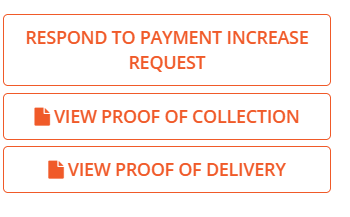
You can then accept & pay the increase via card or bank transfer. Alternatively you can decline the increase and place your reason which will be sent to the provider.